
Dell Computer
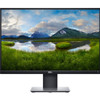
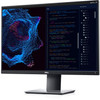
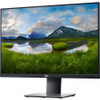
Dell P2421 24" WUXGA WLED LCD Monitor - 16:10 - Black

- SKU:
- 18210747
- MPN:
- dell-p2421
- Availability:
- Out of stock
- Stock Update:
- 10/23/2023 10:48:05 AM PST












- Stock Update:
- 10/23/2023 10:48:05 AM PST
Description
This item is brand-new, factory sealed.
View it right
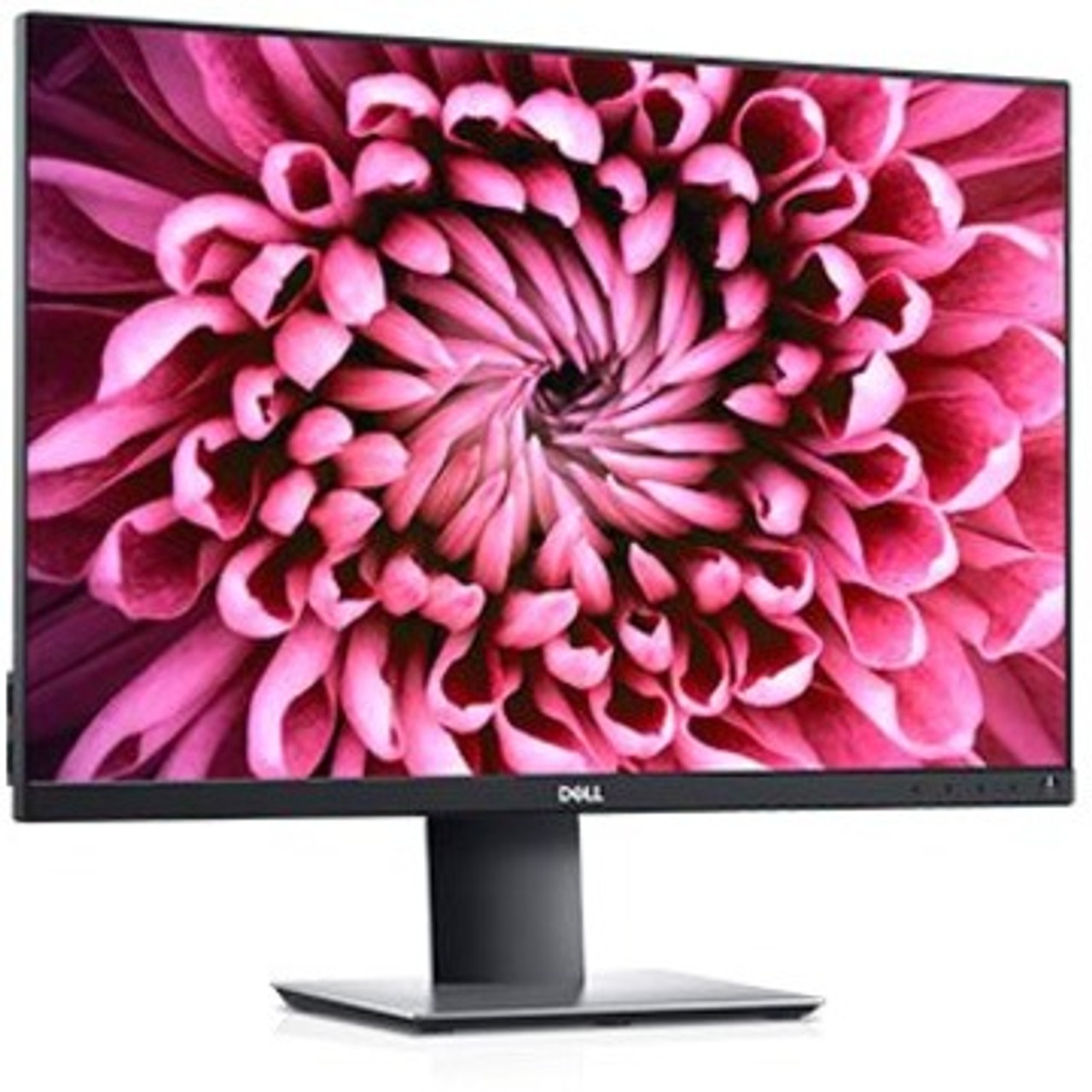
See more, scroll less: View applications with an extended vertical view on a tall 24" 16:10 1920x1200 (WUXGA) monitor which provides 11% more onscreen real estate.
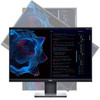
Go vertical: Pivot 90 degrees and enjoy outstanding clarity from every angle with IPS technology.
Practically borderless: Work with an uninterrupted view across multiple screens with Dell's three-sided ultrathin bezel design. And, when you use two monitors together, you can increase your productivity by up to 21%.
Easy on the eyes: Optimize eye comfort with flicker-free technology and ComfortView reducing up to 60% of harmful blue light emissions.
Convenient and comfortable
Versatile connectivity: Connect to any device you need to with HDMI, DisplayPort and DVI.
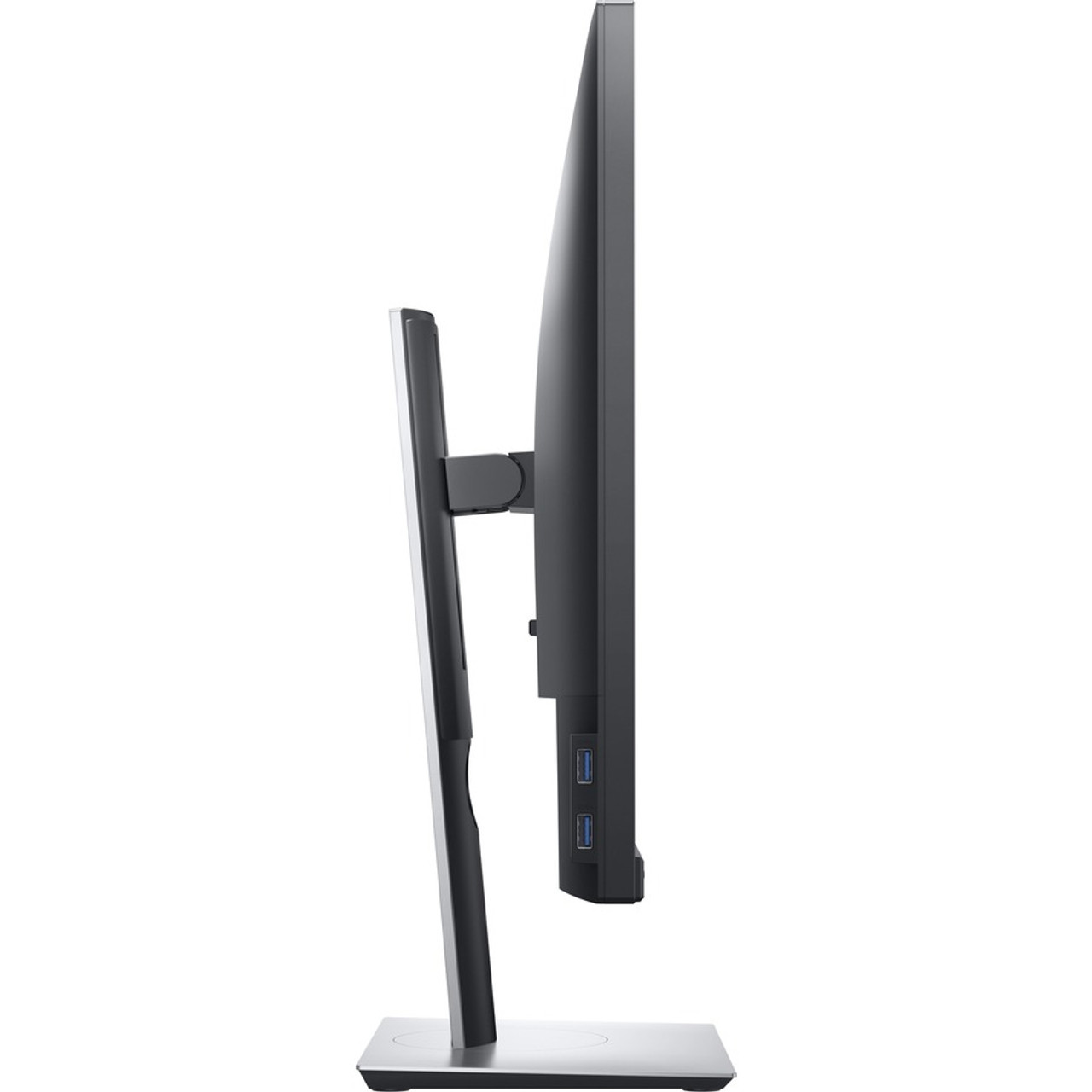
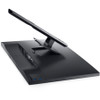
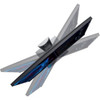
Your view, your way: Stay comfortable with the ability to tilt, swivel, pivot and adjust the height of your monitor.
Stylish and practical: 73% of employees believe that reduced clutter and better connectivity helps with productivity. Free up valuable desk space with a thin monitor profile and compact monitor base.
Adapting made easy: Customize your workspace with VESA-compatible mounts and stands. Snap your monitor into place using the Quick Release slots behind the monitor panel for easy installation.
Environmentally smart
Environmental standards: These monitors meet the latest regulatory and environmental standards such as ENERGY STAR®, EPEAT®, TCO and CEL/CECP/CEC.
Eco-conscious packaging: Zero styrofoam and at least 25% of recycled cardboard for ease of composting/recycling.
Energy conservation: Save energy when your monitor is not in use with PowerNap, a feature that dims or puts your monitor to sleep when it's not in use.
Optimize and organize with Dell Display Manager
Productive at every level: Easy Arrange allows you to easily tile multiple applications across one or more screens with 38 pre-set window partitions and the ability to personalize up to five windows, giving you improved multitasking abilities.
Seamless transitions: The auto-restore feature remembers where you left off, so applications will go back to where you left them, even after you've unplugged.
More ways to manage: Asset management reports allow IT managers to quickly capture and track monitor information as well as configure multiple monitors at once through a single setup.
The key to convenience: Shortcut keys can save you even more time, letting you easily configure your display management settings so you can get to work faster.
Features
Yes
Specs
| Built-in Devices | |
| Built-in Devices | USB Hub |
| Power Description | |
| Operating Power Consumption | 16 W |
| Standby Power Consumption | 300 mW |
| Off-Mode Power Consumption | 300 mW |
| Physical Characteristics | |
| VESA Mount Compatible | Yes |
| Weight (Approximate) | 7.63 lb |
| Height with Stand | 14.60" |
| Depth with Stand | 6.50" |
| Width with Stand | 20.90" |
| Color Family | Black |
| Width | 20.9" |
| Depth | 1.7" |
| Interfaces/Ports | |
| VGA | Yes |
| Number of USB Ports | 5 |
| Number of HDMI Inputs | 1 |
| Number of DisplayPorts | 1 |
| USB | Yes |
| DisplayPort | Yes |
| DVI | Yes |
| HDMI | Yes |
| Number of USB 3.0 Downstream Ports | 2 |
| Number of USB 2.0 Downstream Ports | 2 |
| Number of USB 3.0 Upstream Ports | 1 |
| Video | |
| Native Contrast Ratio | 1,000:1 |
| Brightness | 300 Nit |
| Maximum Resolution | 1920 x 1200 |
| Standard Refresh Rate | 75 Hz |
| Color Supported | 16.7 Million Colors |
| General Information | |
| Brand Name | Dell |
| Manufacturer Website Address | http://www.delltechnologies.com |
| Marketing Information | View it right See more, scroll less: View applications with an extended vertical view on a tall 24" 16:10 1920x1200 (WUXGA) monitor which provides 11% more onscreen real estate. Go vertical: Pivot 90 degrees and enjoy outstanding clarity from every angle with IPS technology. Practically borderless: Work with an uninterrupted view across multiple screens with Dell's three-sided ultrathin bezel design. And, when you use two monitors together, you can increase your productivity by up to 21%. Easy on the eyes: Optimize eye comfort with flicker-free technology and ComfortView reducing up to 60% of harmful blue light emissions. Convenient and comfortable Versatile connectivity: Connect to any device you need to with HDMI, DisplayPort and DVI. Your view, your way: Stay comfortable with the ability to tilt, swivel, pivot and adjust the height of your monitor. Stylish and practical: 73% of employees believe that reduced clutter and better connectivity helps with productivity. Free up valuable desk space with a thin monitor profile and compact monitor base. Adapting made easy: Customize your workspace with VESA-compatible mounts and stands. Snap your monitor into place using the Quick Release slots behind the monitor panel for easy installation. Environmentally smart Environmental standards: These monitors meet the latest regulatory and environmental standards such as ENERGY STAR ® , EPEAT ® , TCO and CEL/CECP/CEC. Eco-conscious packaging: Zero styrofoam and at least 25% of recycled cardboard for ease of composting/recycling. Energy conservation: Save energy when your monitor is not in use with PowerNap, a feature that dims or puts your monitor to sleep when it's not in use. Optimize and organize with Dell Display Manager Productive at every level: Easy Arrange allows you to easily tile multiple applications across one or more screens with 38 pre-set window partitions and the ability to personalize up to five windows, giving you improved multitasking abilities. Seamless transitions: The auto-restore feature remembers where you left off, so applications will go back to where you left them, even after you've unplugged. More ways to manage: Asset management reports allow IT managers to quickly capture and track monitor information as well as configure multiple monitors at once through a single setup. The key to convenience: Shortcut keys can save you even more time, letting you easily configure your display management settings so you can get to work faster. More from the Manufacturer |
| Product Type | LCD Monitor |
| Product Name | 24 Monitor: P2421 |
| Manufacturer | Dell Technologies |
| Manufacturer Part Number | DELL-P2421 |
| Product Model | P2421 |
| Product Series | P |
| Technical Information | |
| Response Time Details | 5 ms GTG (Fast) |
| HDCP Supported | Yes |
| Viewable Screen Size | 24" |
| Response Time | 5 ms |
| Aspect Ratio | 16:10 |
| Panel Technology | In-plane Switching (IPS) Technology |
| Pixel Pitch | 0.27000 mm x 0.27000 mm |
| Vertical Viewing Angle | 178° |
| Stand Adjustments |
|
| Mount Type | Desk Mountable |
| Horizontal Frequency | 30 kHz to 83 kHz |
| Screen Mode | WUXGA |
| Number of Screens | 1 |
| Features |
|
| Vertical Frequency | 56 Hz to 76 Hz |
| Horizontal Viewing Angle | 178° |
| Backlight Technology | WLED |
| Screen Size Class | 24" |
| Audio | |
| Speakers | No |
Warranty Information
